























Options Advanced mode

The advanced options are only shown when the installer mode is set to "Advanced." This section allows users to change or set advanced options, configure additional database settings and set other configuration options in the wp-config.php file.

Advanced Tab

These are the advanced options for advanced users.
Option Details
Processing
Extraction
Mode
Manual Archive Extraction
Set the Extraction value to "Manual Archive Extraction" when the archive file has already been manually extracted on the server. This can be done through your host's control panel such as cPanel or by your host directly. This setting can be helpful if you have a large archive file or are having issues with the installer extracting the file due to timeout issues.

PHP ZipArchive
This extraction method will use the PHP ZipArchive code to extract the archive zip file.

PHP ZipArchive Chunking
This extraction method will use the PHP ZipArchive code with multiple execution threads to extract the archive zip file.

Shell-Exec Unzip
This extraction method will use the PHP shell_exec to call the system unzip command on the server. This is the default mode that is used if it's available on the server.

DupArchive
This extraction method will use the DupArchive extractor code to extract the daf-based archive file.
Server
Throttling
If the current host is a budget host that monitors CPU usage, then users might want to consider checking this box to help slow down the process and not kick off any high-usage monitors.
Extraction Flow
Archive Action Extract files over current files
The existing site files will be overwritten with the contents of the archive.zip/daf.

Pro Remove WordPress core and content and extract
The existing WordPress core files and WordPress content directory will be removed, and then the archive will be extracted.

Pro Remove all files except add-on sites and extract
All files except an add-on site will be removed, and then the archive will be extracted. An add-on site is a site/domain that is stored in a directory off of your main site that has been "added on" to your main hosting account. For instance, when you purchased a hosting account it could be for a.com. Then after that, you decided to add b.com and c.com to the same hosting account. The structure of this setup is often the following although it can vary some:
  • /public_html - contains files for a.com
  • /public_html/b.com - contains files for b.com
  • /public_html/c.com - contains files for c.com
The directories /public_html/b.com and c.com contain the files for the add-on sites b.com and c.com (so the option above means that b.com and c.com would be preserved and not deleted when you installed to a.com)
Skip Files Extract all files
Extract all files from the package archive. This option is selected by default.

Pro Skip extraction of WordPress core files
Extract all files except WordPress core files. Choose this option to extract only the wp-content folder and other non-core WordPress files and directories.

Pro Skip extraction of WordPress core files and plugins/themes existing on host
Extract all files except WordPress core files and existing plugins/themes on the current host.

Pro Extract only media files and new plugins and themes
Extract all media files, new plugins, and new themes. The installer will not extract plugins and themes that already exist on the destination site.
File Times When the archive is extracted it should show the current date-time or keep the original time it had when it was built. This setting will be applied to all files and directories. Note: Setting the Original time is currently only supported when using the ZipArchive Format.
File
Permissions
Switch on and set permissions in either octal or symbolic values to assign permissions to files. This option is not available on Windows machines.
Directory
Permissions
Switch on and set permissions in either octal or symbolic values to assign permissions to directories. This option is not available on Windows machines.
Configuration Files
WordPress
wp-config
Do nothing
This option simply does nothing. The wp-config file does not get backed up, renamed, or created. This advanced option assumes you already know how it should behave in the new environment. This option is for advanced technical persons.

Modify original
This is the default recommended option which will modify the original wp-config file.

Create new from wp-config sample
This option creates a new wp-config file by modifying the wp-config-sample.php file. The new wp-config.php file will behave as if it was created in a fresh, default WordPress installation.

Apache
.htaccess
Do nothing
This option simply does nothing. The .htaccess is not backed up, renamed, or created. This advanced option assumes you already have your .htaccess file set up and know how it should behave in the new environment. When the package is built it will always create an .htaccess file at this location: /dup-installer/original_files_[HASH]/.htaccess Since the file is already in the archive file it will show up when the archive is extracted.

Retain original from Archive.zip/daf
This option simply copies the /dup-installer/original_files_[HASH]/.htaccess file to the .htaccess file. Please note this option will cause issues with the install process if the .htaccess is not properly set up to handle the new server environment. This is an advanced option and should only be used if you know how to properly configure your .htaccess configuration.

Create New
This is the default recommended option which will create a new .htaccess file. The new .htaccess file is streamlined to help guarantee no conflicts are created during install.

Notes: Inside the archive.zip or archive.daf will be a copy of the original .htaccess (Apache) file that was set up with your packaged site. The .htaccess file is copied to /dup-installer/original_files_[HASH]/source_site_htaccess. When using either "Create New" or "Retain original from Archive.zip/daf" an existing .htaccess file will be backed up to a /wp-content/backups-dup-lite/installer/original_files_[HASH]/source_site_htaccess. This change will not made until the final step is completed, to avoid any issues the .htaccess might cause during the install
General
php.ini, .user.ini,
web.config
OVERVIEW
When the archive is built it will always create an original backup of the php.ini, .user.ini, and web.config files ("Config Files") if they exist. The backups will be in the following location within the archive file without an extension. Original File Backups
archive.zip|daf/dup-installer/original_files_[HASH]/[location]_phpini
archive.zip|daf/dup-installer/original_files_[HASH]/[location]_userini
archive.zip|daf/dup-installer/original_files_[HASH]/[location]_webconfig
If there are "Config Files" on the new server, backups may also optionally be created. Backup [location] is defined by the following:
  • source_site Backup of original file when the archive was created on the source host
  • installer_host Backup of original file before the installer starts on active host

ACTIONS
Do nothing
This option performs no actions and assumes you already have your configuration files set up properly; either on the server or in the archive. If the same "Config Files" exist in both the deploy directory and the archive, then the archive files will overwrite any configuration files that exist at the same location in the archive.


Retain original from Archive.zip/daf
  1. Moves any existing "Config Files" on the new host to the following location: /dup-installer/original_files_[HASH]/installer_host_[CONFIG-TYPE]
    An existing "Config File" resides on the server before the archive is extracted or step 1 is ran.
  2. The installer last step copies all "Config Files" from the archive backups to the correct location on the new host. They are copied from this location:
    /dup-installer/original_files_[HASH]/source_site_[CONFIG-TYPE]

Reset
  1. Moves any existing "Config Files" on the new host to the following location: /dup-installer/original_files_[HASH]/installer_host_[CONFIG-TYPE]
    An existing "Config File" resides on the server before the archive is extracted or step 1 is ran.
  2. If any "Config Files" already exist in the archive they will be deployed "as is" to the location that matches the archive file structure.
General
Logging The level of detail that will be sent to the log file (installer-log.txt). The recommended setting for most installs should be "Light." Note if you use Debug the amount of data written can be very large. Debug is only recommended for support.
Cleanup Pro Remove disabled plugins/themes
Remove all inactive plugins and themes when installing site. Inactive users will also be removed during subsite to standalone migrations.

Pro Remove users without permissions
Removes users that currently do not have any permissions associated with their accounts.
Safe Mode Safe mode is designed to configure the site with specific options at install time to help overcome issues that may happen during the install where the site is having issues. These options should only be used if you run into issues after you have tried to run an install.

Disabled
This is the default. This option will not apply any additional settings at install time.

Enabled
When enabled the safe mode option will disable all the plugins at install time. Note: When this option is set you will need to manually re-enable the plugins that need to be enabled after the install from the WordPress admin plugins page.


Database Tab

These are the advanced options for database configuration.
Option Details
Table Prefix Pro This option allows changing the table prefix to other than the package creation site's table prefix. The table prefix is the value placed in the front of your database tables. It is possible to have multiple installations in one database if you give each WordPress site a unique prefix.
Mode Modes affect the SQL syntax MySQL supports (and others such as MariaDB) . This setting performs various data validation checks. This makes it easier to use MySQL in different environments and to use MySQL together with other database servers. It is very useful when running into conversion issues. The following options are supported:
  • Default: This is the recommended setting to use. It will use the current Database mode setting.
  • Disable: This will prevent the database engine from running in any mode.
  • Custom: This option will allow you to enter a custom set of mode commands. See the documentation link below for options.
For a full overview please see the MySQL mode and MariaDB mode specific to your version. To add a custom setting enable the Custom radio button and enter in the mode(s) that needs to be applied.
Processing Chunking mode
Split the work of inserting data across several requests. If your host throttles requests or you're on a shared server that is being heavily utilized by other sites then you should choose this option. This is the default option.

Single step
Perform data insertion in a single request. This is typically a bit faster than chunking, however it is more susceptible to problems when the database is large or the host is constrained.
Create Run all CREATE SQL statements at once. This option should be checked when source database tables have foreign key relationships. When choosing this option there might be a chance of a timeout error. Uncheck this option to split CREATE queries in chunks. This option is checked by default.
Objects Allow or Ignore objects for "Views," "Stored Procedures," "Functions" and "DEFINER" statements. Typically the defaults for these settings should be used. In the event you see an error such as "'Access denied; you need (at least one of) the SUPER privilege(s) for this operation" then changing the value for each operation should be considered.


URLs & Paths Tab Pro

In the tab "URLs & Paths," you can read the current path of all the various path configurations for the WordPress site. These are advanced options that should only be edited if you know the correct path. These options are editable in the Pro version. These paths and URLs are set automatically by the package installer. You can set these paths and URLs manually. If you are changing it, please make sure you are putting the right path or URL.


Ind vs SA 2nd ODI 2025: SA Chase 359 to Level Series
Home Entertainment India vs South Africa 2nd ODI 2025: Roaring Centuries, A Daring Chase...

India vs South Africa 2nd ODI 2025: Roaring Centuries, A Daring Chase & A Finish to Remember

0
903
India vs South Africa 2nd ODI 2025

Raipur transformed into a theatre of high-voltage cricketing drama as India and South Africa faced off in the second One-Day International of the 2025 series. The match delivered everything fans could hope for — commanding batting, nervy overs, tactical moves, and a run-chase that tightened pulses till the very last balls. In the end, the Proteas scripted a remarkable finish, chasing down a formidable target and breathing life back into the series.

Final Result:
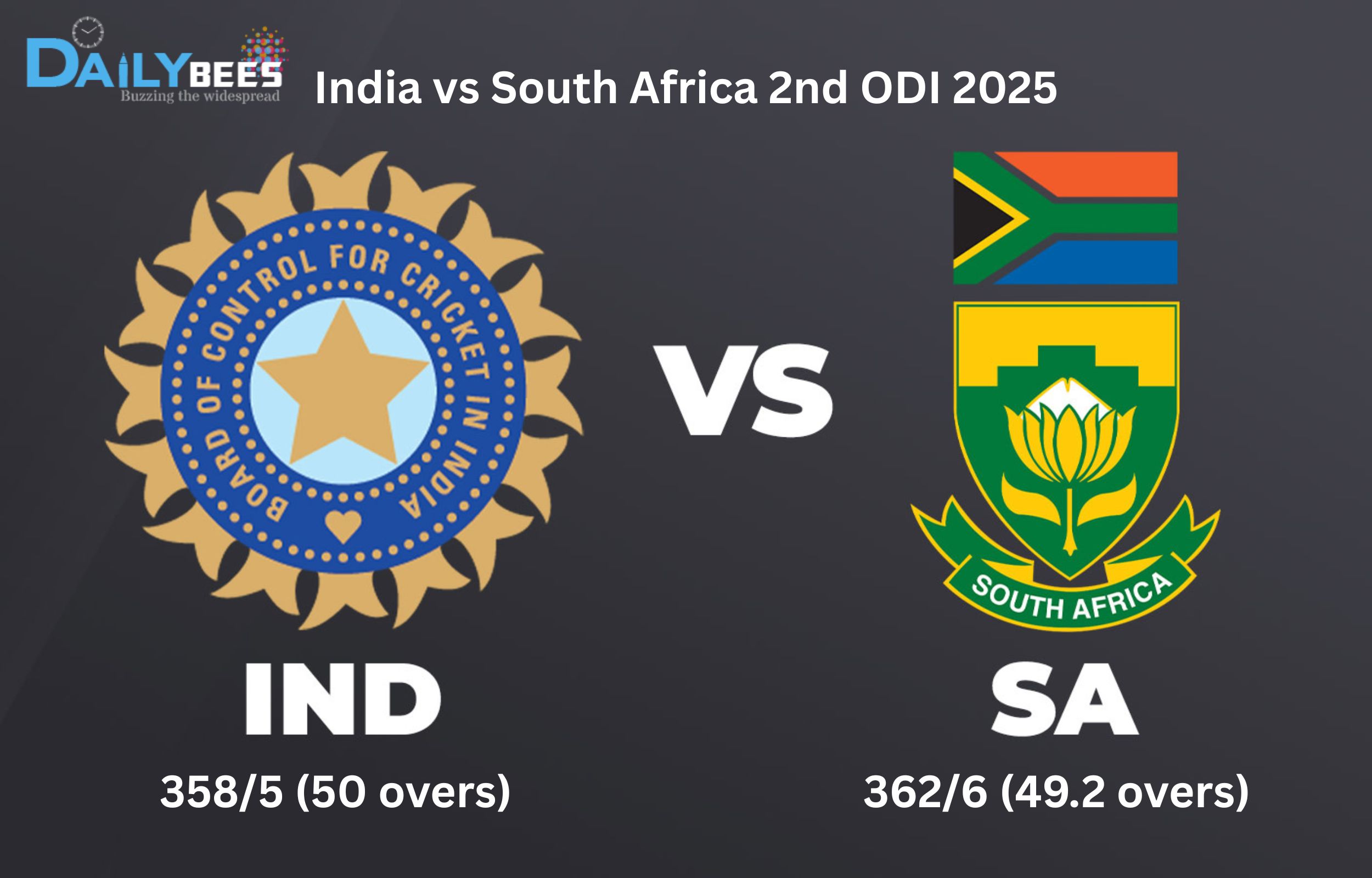
India – 358/5 (50 overs)
South Africa – 362/6 (49.2 overs)
South Africa won by 4 wickets and levelled the series 1–1


Toss Call & Strategic Move

South Africa won the toss and immediately opted to bowl first — a decision built on belief and smart reading of conditions. Their captain backed the idea that the surface would flatten out under lights and that dew would aid chasing.

India were asked to set the total, and what followed was a display of batting excellence.


India’s Innings: Majestic Hundreds and Absolute Authority

India’s innings stood tall on technique, temperament and sheer batting mastery. After a stable start, the match’s tempo changed when two of India’s finest produced back-to-back centuries.

  • Virat Kohli’s assured 102 blended elegance with experience, built on timing, placement and calmness against pace and spin.
  • Ruturaj Gaikwad’s superb 105 matched that energy — fluent stroke-play, shot selection and temperament that looked international brand-ready.

Their 195-run partnership for the third wicket was the backbone of India’s mammoth total. It drained South Africa’s intensity, forced tactical adjustments, and kept the run rate healthy without ever appearing risky.

Once the platform was established, KL Rahul added an unbeaten 66, ensuring India finished with a mountain of runs: 358/5, a total that normally wins ODIs comfortably.

Walking off at the halfway mark, India would have rightfully believed they held the advantage.


South Africa’s Reply: Composure, Strategy & Pure Temperament

Chasing 359 away from home is an examination of skill and nerves — and South Africa passed it with distinction.

The visitors stayed away from desperation, even after an early wicket, choosing methodical pacing over blind aggression. Their innings revolved around a single, vital pillar: Aiden Markram.

His 110-run knock was crafted with confident strokes, clever gaps and discipline in tense phases. Each time pressure whispered, he responded with maturity — rotating strike, picking boundaries only when timing suited, and guiding the chase with his head instead of his ego.

Support from the middle order arrived exactly when needed:

  • Matthew Breetzke’s 68 helped maintain stability during a tricky phase.
  • Dewald Brevis added timely acceleration, ensuring the asking rate never grew threatening.

Their partnerships soaked momentum-shifting overs, denied India clusters of wickets, and kept South Africa in rhythm.

As the match entered its final stretch, the Proteas lower order held their nerve superbly. Smart singles, risk-free batting and well-timed strokes under pressure took them past the finish line with four balls to spare — completing a chase that spoke volumes of self-belief and discipline.


Turning Points That Defined the Contest

• The Kohli–Gaikwad partnership
The 195-run stand didn’t just build India’s score — it shaped the entire first innings. Their control, patience and shot selection ensured 350+ was never out of reach.

• Aiden Markram’s century
His leadership with the bat was the heartbeat of the chase. Calm in crisis, aggressive only when needed, and mentally tuned to the moment.

• Stability from Breetzke and Brevis
India’s hopes of breaking through in the middle overs vanished as both resisted pressure and maintained the chase tempo.

• Controlled finishing
The composure shown by South Africa in the final overs — no panic, sharp strike rotation, clarity of shots — was the final stamp on an elite chase.


Lessons, Statements & The Road Ahead

South Africa’s chase will be remembered as one of their strongest ODI batting performances on Indian soil. They decoded conditions brilliantly, stayed mentally clear and showcased the depth of their lineup. The victory sends a bold message: this team has the temperament, balance and belief to challenge India anywhere.

For India, the loss stings. Scoring 358 with two centuries on the board should have set the night up for celebration, but execution with the ball — especially under dew — didn’t match the intensity of their batting. Death overs, field placements and wicket-taking plans will all come under review before the next clash.


What This Means for the Series

With the series now tied at 1–1, the final ODI becomes a high-stakes decider.

South Africa enter it charged with confidence — if they can hunt down 359 on Indian soil, they’ll feel capable of anything. Their belief and momentum are their greatest weapons now.

India will not be short on determination either. Their batting is thriving, and they now have clear areas of focus with the ball. Expect sharper strategies, more aggressive fields and heavy emphasis on breakthroughs at the right time.

The big questions ahead of the finale:

  • Can South Africa repeat another composed chase?
  • Will India hit back with smarter execution and clinical intent?
  • Which side maintains nerve when the trophy is one game away?

One truth is undeniable — Raipur has set up a finale worthy of the rivalry. Two high-class teams, top performers in form, and a trophy waiting for whoever wants it most.

The final ODI isn’t just a match.
It’s a challenge of skill, pressure, pride — and reputation.

And after what unfolded in Raipur, nobody can confidently predict how the story will end.